
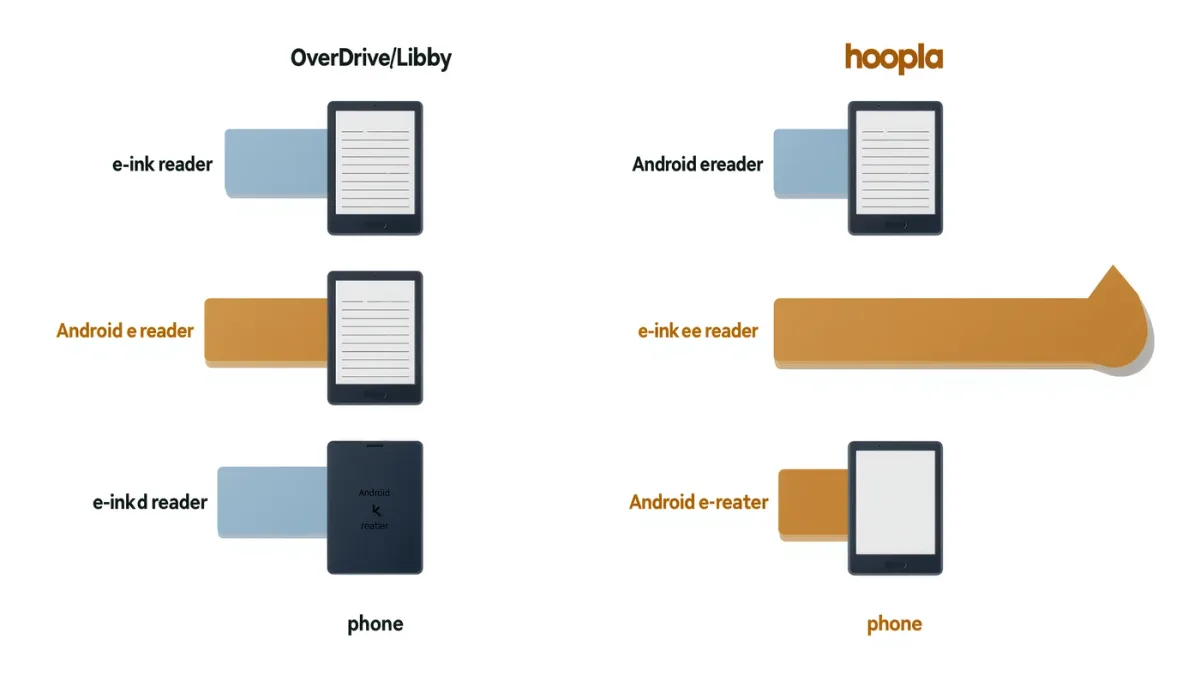
No — as of February 2026, Kobo e-readers have no native hoopla support, and library borrowing on Kobo runs through OverDrive and the Libby app, per Kobo's official help pages. If your library's digital collection lives on hoopla, you can still get those books onto e-ink, but it takes either a different device or a deliberate workaround, and the gap between the two platforms is shaping real library budgets in 2026.
MonBook Pro publishes information, not legal advice; DRM workarounds described here are limited to what each platform itself permits.
What does Kobo support natively?
Per Kobo's help pages, borrowed library eBooks reach a Kobo e-reader through OverDrive: you link a library card in the device's settings, search the library catalog from the Kobo itself, and borrowed EPUBs sync onto the device over Wi-Fi. This works in the countries where OverDrive partners with public libraries — strongest in the United States and Canada. The experience is genuinely good: holds and loans behave like a built-in bookstore, and returns are automatic. What Kobo cannot do is open hoopla's catalog at all, because hoopla lends through its own mobile and web apps rather than through Adobe DRM EPUB delivery or OverDrive's pipeline.
Why is everyone talking about hoopla right now?
Because library systems are actively rebalancing between the platforms. Some systems have announced they would stop funding hoopla and reinvest in Libby to buy more copies of popular titles, while others moved in the opposite direction, dropping CloudLibrary and consolidating their eBooks and audiobooks onto hoopla as part of expansions announced through 2025 and 2026. For you as a borrower, the practical consequence is that your library card's useful catalog can change under your feet, and a device tied to only one platform becomes either more or less valuable depending on which way your library went.
Which e-readers can run hoopla directly?
Only Android-based e-ink devices, because hoopla's Android app installs like any other app. Onyx Boox e-readers are the common answer — hoopla itself has publicly noted support on Boox hardware — and the app runs in an e-ink-friendly scrolling mode that is tolerable for text and sluggish for anything visual. That is the real eligibility question behind the headline: if hoopla is your library's main platform, an Android e-reader is the only e-ink path, and a Kobo or Kindle obliges you to read hoopla titles on a phone or tablet instead.
Is there a legitimate way to move a hoopla title to a Kobo?
A partial one, and it depends entirely on the format. Hoopla's audiobooks and streaming content stay inside the app. Hoopla's EPUB eBooks read through hoopla's own reader, and third-party guides such as Epubor's walk through export options of varying legality and fragility — MonBook Pro does not recommend breaking DRM, and each hoopla loan is governed by your library's agreement with the platform. The honest summary: there is no supported pipeline from hoopla to a Kobo, and anything that claims otherwise is either format-specific or a terms-of-service problem.
How should you choose a device around this?
- If your library uses OverDrive/Libby: a Kobo is the cleanest e-ink experience, with borrowing built in.
- If your library uses hoopla heavily: an Android e-reader (Boox and similar) or simply reading hoopla on a phone is your realistic option.
- If you hold cards at several libraries: check which platform each one funds before buying hardware — the split is increasingly one-platform-per-system.
What might change next?
Nothing announced. Neither Kobo nor hoopla has published plans for native integration as of February 2026, and Rakuten Kobo's public roadmap silence on hoopla dates back years. Watch two signals instead: library consortium announcements (they decide where the money goes) and any hoopla Android app updates that improve e-ink rendering — because the Android path is the one that quietly gets better without anyone's press release.
How do you check what your library actually offers?
Before any hardware decision, spend ten minutes on your library's website under its digital collection or e-books section. Most systems name their platforms plainly — Libby, hoopla, CloudLibrary, or a regional service — and list the card requirements and geographic eligibility rules beside them. Note the overlap: many libraries run two platforms at once, with hoopla carrying the instant-access backlist and Libby carrying current bestsellers with holds, which changes which device serves you better. If you can hold cards at more than one library — common through reciprocal agreements, workplace cities, or university alumni access — you can often piece together coverage across both platforms at no cost. That research, not a spec sheet, is what determines whether a Kobo is the right e-ink purchase or a pretty doorstop for half your catalog.
For more context, read How Much Should a Back-to-School E-Reader Cost?.
For more context, read internet archive lawsuit.
For more context, read What Should Indie Authors Check in KDP's Rules This Year?.