
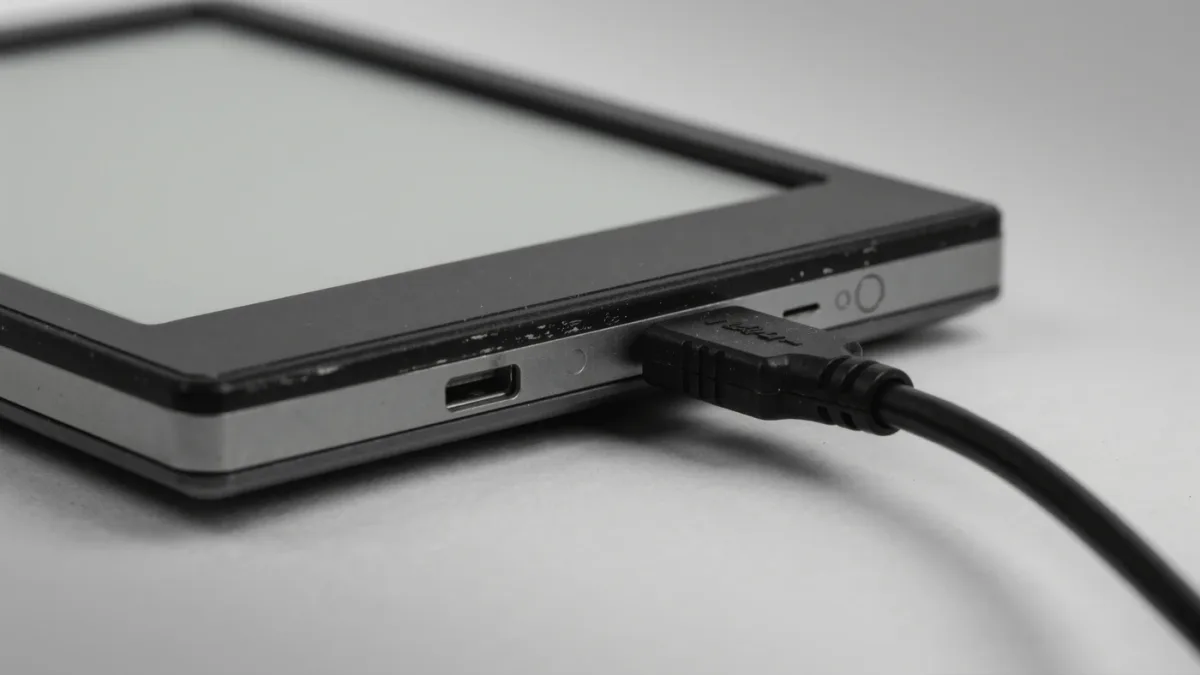
A used e-reader is worth buying when — and only when — four checks pass: the screen shows no ghosting or pressure marks, the battery still holds a reasonable charge, the seller has deregistered the device from their account, and the model is not so old that its store or firmware support is ending. E-ink hardware is physically long-lived, which is exactly why the secondhand market is full of good Kindles, Kobos, and PocketBooks as of May 2026 — and why the failures that do occur are predictable and checkable in ten minutes.
MonBook Pro publishes information, not purchasing advice — and this checklist reflects makers' documented procedures rather than any hands-on testing.
Why do e-readers age well in the first place?
Because the expensive part barely wears. An e-ink panel is reflective and has no backlight to dim, so unlike a phone screen it does not gradually lose brightness; the front light's LEDs can outlast the battery several times over. There is no mechanical hard drive, few moving parts, and software that runs fine on years-old hardware. Battery chemistry is the real clock: lithium-ion cells degrade with charge cycles and age, and a reader used nightly for four years may need charging weekly instead of monthly. That is the single most common — and hardest to verify — used-reader defect.
How do you check the screen?
- Ghosting test: page through several pages and watch for persistent shadows of previous text; a full refresh should clear them — if it does not, the panel or firmware is suspect.
- Pressure marks: hold the screen under a light at an angle and look for brighter blotches where something pressed the glass.
- Front light: turn it to maximum in a dim room and check the illumination is even across the panel, no dark bands or bright edges.
- Touch layer: tap and swipe through menus; dead zones in the touchscreen are common after drops and are not repairable economically.
How do you check the battery without weeks of testing?
You estimate. Ask the seller how often it needs charging now and how that compares to the model's original spec-sheet claim — makers state figures like weeks at a defined brightness with wireless off, so a four-year-old device needing weekly charges is telling you something. In person, charge it fully, note the percentage, read on it for twenty minutes with the light on, and re-check: a drop far beyond a percent or two suggests a tired cell. None of this is a lab measurement — it is a sanity check, and the honest framing is that battery condition on a used reader is a probability, not a promise.
Why is the account question the one people forget?
Because a registered e-reader is tied to someone else's library. Amazon documents a deregistration process in its device settings — the seller must deregister the Kindle from their Amazon account before handover, or the device arrives still logged into a stranger's purchases. Kobo and PocketBook have equivalent sign-out procedures in their settings and support documentation. If a seller cannot or will not do this before sale, walk away; a device you cannot register to your own account is a paperweight with a screen. Related: services like Kindle's storage of purchased books belong to the seller's account, so you are buying hardware, not their library — and per makers' terms, purchased digital books are generally licenses, not transferable property.
What else belongs on the final checklist?
- Firmware status: check the maker's support pages — is the model still receiving updates, and does its store still fully function on it?
- Charger and port: test the USB port firmly; loose ports from years of plugging are a silent killer.
- Water exposure: IPX8 ratings age with seals; ask about baths and pools directly.
- Accessories: original cable and case are nice, not essential; styluses for note-taking models are worth real money separately.
- Price sanity: compare against the model's current new price and refurb programs — makers including Amazon have run certified-refurbished channels with warranties, which sets the ceiling on what used should cost.
Which models make the best used buys?
The sweet spot is roughly two to four years old, one generation before the current lineup. Devices in that window have already taken their steepest depreciation, still receive firmware and store support per the makers' update histories, and their batteries have typically seen fewer than a few hundred cycles — modest work for lithium-ion. Kindle Paperwhite and Kobo Libra generations are the poster children, simply because they sold in such volume that parts of the used market stay liquid and cheap; PocketBook's sturdy plastic bodies also fare well secondhand. Much older than five or six years and you start trading against realities the makers themselves document: older firmware eventually loses full store functionality, and replacement batteries for discontinued models get scarce. Much newer and you are paying near-refurb prices for a used device with no warranty — the worst of both sides.
Where should you buy — and what did the sources not establish?
Platforms with buyer protection beat classifieds for a first used-reader purchase, simply because the failure modes above are exactly what a return window covers. What we could not verify as of May 2026: any reliable cross-brand data on used-reader failure rates, and independent battery-degradation measurements for specific models — the makers do not publish them, and secondhand anecdotes are not evidence. Your ten-minute checklist is doing real work; treat it as the best available tool, not a guarantee.
For more context, read Why Are E Ink Refresh Rates So Slow Compared to Tablets?.
For more context, read e-reader front light.
For more context, read PocketBook or Kobo: Which E-Reader Ecosystem Fits You?.