
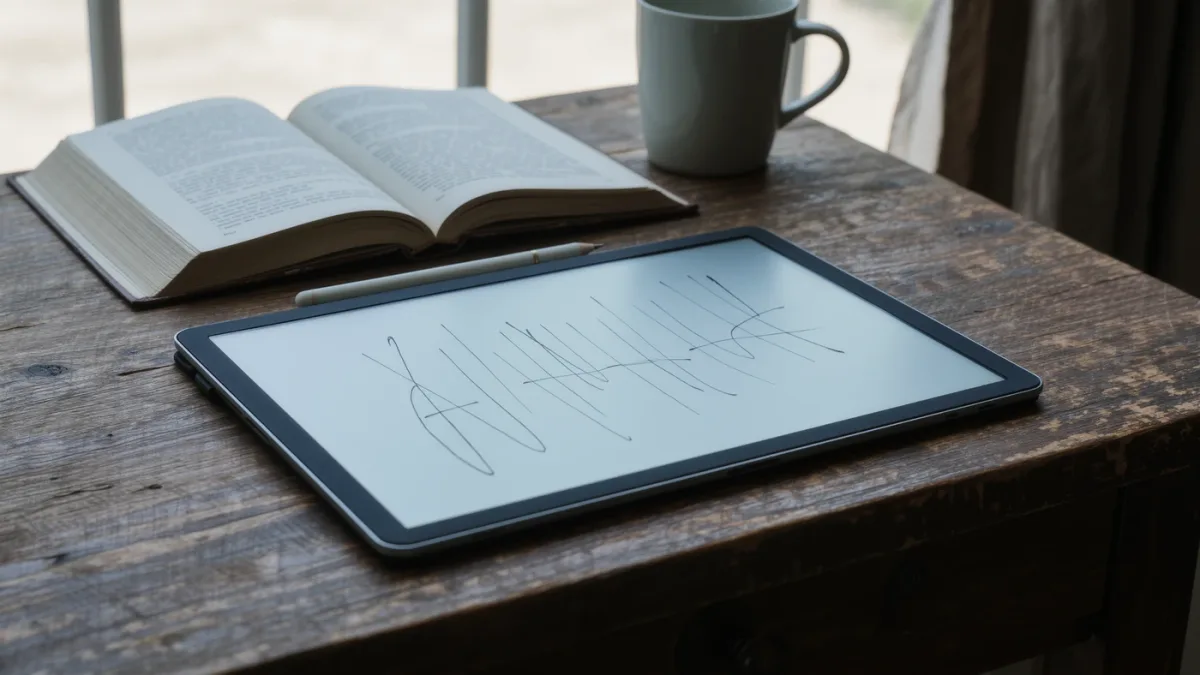
For serious handwritten notes, the choice as of March 2026 comes down to what else you want the device to do: reMarkable's paper tablets are distraction-free note and PDF machines per the company's product pages; Onyx Boox's stylus models are full Android e-ink tablets that also run reading and productivity apps; PocketBook's stylus-equipped Era Color adds basic note-taking to a conventional e-reader. Each maker's documentation supports a different kind of note-taker, and the ecosystems lock you in differently — that trade-off, not the pen itself, should drive your pick.
MonBook Pro publishes information, not purchasing advice — we have not handled these devices, and every claim below traces to manufacturer documentation.
What does each stylus ecosystem actually include?
reMarkable sells the stylus as a first-class citizen: its Marker pens, Folio covers, and subscription-linked cloud sync are described on the company's site, and the devices have no app store at all — notes, annotated PDFs, and EPUBs, nothing else. Onyx Boox ships stylus support across several note-sized models with Wacom-type pen layers, and because Boox runs Android, your notes live alongside Kindle, Kobo, and third-party Android apps, per Onyx's own documentation. PocketBook's stylus models, such as the Era Color with its optional pen, keep note-taking simpler — quick notes, annotations, and sketches inside PocketBook's own software, documented on its spec pages.
How do the note-taking experiences differ on paper?
In intent more than in latency. All three use electromagnetic pen technology that needs no charging in the pen's basic forms (reMarkable and PocketBook document this; Boox pens vary by model). reMarkable's whole interface is built around writing — its marketed latency figures and handwriting organization are the product. Boox layers note-taking over Android: layered notebooks, templates, and side-by-side reading-and-writing, with the caveat that app behavior on e-ink is governed by Onyx's refresh modes. PocketBook's implementation is lighter: fine for margin notes and meeting jottles, less documented for heavy notebook workflows. None of the makers publish comparable latency numbers on a single scale, so treat any smoothness claims as marketing until a named independent test says otherwise.
Where do your notes go afterward?
This is the quiet deal-breaker. reMarkable syncs notes through its own cloud connect subscription, whose current terms and pricing are on reMarkable's site — without it, you lean on USB transfer. Boox, being Android, lets apps handle sync: Onyx's own documentation covers its sync services, and third-party apps can export to PDF or text, though handwriting-to-text conversion depends on built-in or app-based recognition. PocketBook documents export to common formats plus its PocketBook Cloud. The honest gap: none of the three guarantees an open, future-proof notes format — you are choosing whose export pipeline you trust.
| Device family | Notes focus (per maker) | Ecosystem lock-in | Best fit |
|---|---|---|---|
| reMarkable Paper Pro / 2 | Writing-first, no app store | Cloud features tied to maker's subscription terms | Dedicated note-takers |
| Onyx Boox stylus models | Android notes plus apps | Onyx's app store and firmware decisions | Power users |
| PocketBook Era Color + pen | Light notes and annotations | PocketBook software and cloud | Readers who sketch sometimes |
Which one suits readers versus writers?
If you write more pages than you read, reMarkable's focus is the point — no notifications, no browser, no excuses, and its document handling for EPUB and PDF annotation is documented on its site. If your notes live next to a large mixed library — store books, library loans, sideloaded files — Boox's Android base reads everything and takes notes, at the cost of Onyx's heavier interface and its store's terms. If you are a reader first who wants a pen for occasional marginalia, PocketBook's stylus models cost less and keep things simple, per PocketBook's pricing and spec pages — check current prices there, since they move.
What about the screens underneath the pens?
Boox and reMarkable's larger models sit in the 10-to-13-inch class, where PDFs and handwriting both have room; reMarkable's Paper Pro, per its spec page, uses a color e-ink layer, while its Paper 2 remains monochrome. PocketBook's Era Color is a 7.8-inch color Kaleido 3 panel — lovely for portable reading, tighter for full-page handwriting. Panel family matters less for pen strokes than for what you annotate: color panels help highlighted documents and comics; monochrome panels give crisper text. As always, the maker's spec page for the exact model is the source of record.
What do the pens cost you over time?
More than the box price suggests, in three ways. Pen tips wear: all three makers sell replacement nibs, and reMarkable's store lists multi-packs of Marker tips alongside its Folio covers — small sums that add up for daily writers. Pens themselves come in tiers: a basic plastic pen, then premium metal bodies with eraser ends at a higher price, per each maker's accessories pages. And the ecosystem accessories — folios, keyboard covers, pen loops — are proprietary per brand; a reMarkable Folio does not fit a Boox, and Boox case compatibility varies model by model. None of these costs is fixed, so we cite no numbers here; the durable point is that a stylus reader is a small consumable economy, and budgeting a pen-and-nibs allowance alongside the device is realistic rather than pessimistic.
What did the sources not establish?
No side-by-side independent latency or handwriting-recognition comparison of the three brands was available to us as of March 2026, and pricing for stylus bundles changes often enough that we deliberately cite no figures — check the makers' pages on the day you buy. Battery-life differences under pen use are likewise undocumented in comparable terms. Those gaps are real; a spec-sheet verdict can only take you so far.
For more context, read Why Are E Ink Refresh Rates So Slow Compared to Tablets?.
For more context, read best e-reader for manga.
For more context, read PocketBook or Kobo: Which E-Reader Ecosystem Fits You?.